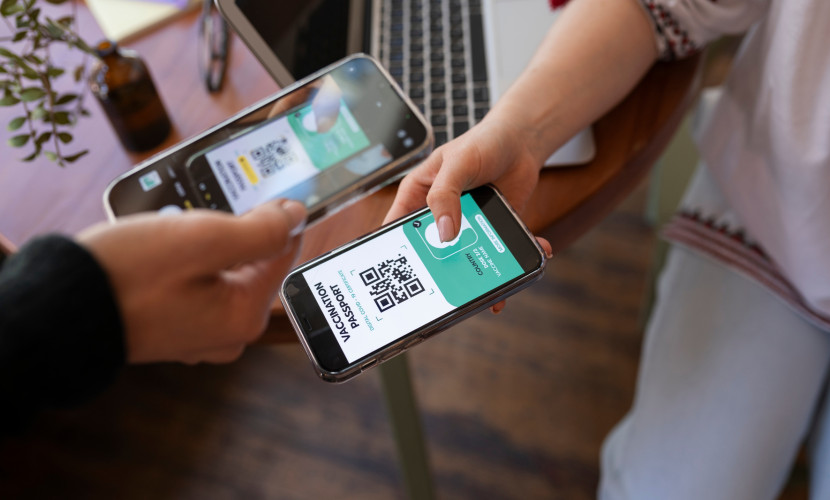
Which Devices Support eSIM in 2025
eSIM (embedded SIM) technology has quickly become the new standard for mobile connectivity. By 2025, most leading smartphone brands, tablets, smartwatches, and even laptops support eSIM, giving users instant activation and global coverage without needing a physical SIM card.
If you are considering switching to eSIM, here’s a full guide to the devices that support it in 2025 and how to check if your device is compatible.
“In 2025, eSIM is no longer the future—it’s the standard. Whether you’re using an iPhone, Samsung Galaxy, Google Pixel, iPad, or even a smartwatch, chances are your device already supports it."
Smartphones That Support eSIM in 2025
Apple (iPhone series):
-
iPhone XS, XS Max, and XR (first models with eSIM)
-
iPhone 11, 12, 13, 14, 15, and 16 series
-
All iPhone SE models from 2020 onward
👉 Starting with iPhone 14 in the U.S., Apple completely removed the physical SIM slot, making eSIM the default.
Samsung (Galaxy series):
-
Galaxy S20, S21, S22, S23, and S24
-
Galaxy S25 (latest 2025 flagship)
-
Galaxy Note 20 and newer
-
Galaxy Z Flip and Galaxy Z Fold models from 2020 onward
-
Selected Galaxy A models (from 2023 upward)
Google Pixel:
-
Pixel 3 and newer (Pixel 3a and above)
-
Pixel Fold and Pixel 9 series
Other Android brands:
-
Motorola Edge series (from 2020)
-
Huawei P40, Mate 40, Mate 50, and newer
-
Oppo Find X series, Reno series (newer models)
-
Xiaomi Mi 11 and later models
-
OnePlus 11, 12, and 13 series
-
Honor Magic series
💻 Tablets and Laptops Supporting eSIM
-
iPad Pro (2018 and newer)
-
iPad Air (3rd gen and newer)
-
iPad Mini (5th gen and newer)
-
Microsoft Surface Pro X, Surface Pro 9, and Surface Go 3
-
Lenovo ThinkPad X1 Carbon (select models)
-
HP Spectre and Elite series with LTE/5G models
⌚ Smartwatches with eSIM
-
Apple Watch Series 3 (Cellular) and newer
-
Samsung Galaxy Watch Active 2 and newer
-
Samsung Galaxy Watch 4, 5, 6, and 7
-
Huawei Watch 3, GT 3 Pro, and newer
-
Oppo Watch and TicWatch Pro LTE
How to Check if Your Device Supports eSIM
Even if your device is on the list, availability may vary depending on your country and mobile carrier. Here’s how to check directly from your device:
For iPhone:
-
Go to Settings > Cellular > Add Cellular Plan.
-
If you see the option to Add eSIM or Scan QR Code, your iPhone supports eSIM.
-
You can also dial *#06# and look for an EID number (the unique eSIM identifier).
For Android (Samsung, Google Pixel, etc.):
-
Go to Settings > Connections > SIM Manager (Samsung) or Settings > Network & Internet > Mobile Network (Pixel).
-
Look for the option Add eSIM or Download eSIM.
-
You can also dial *#06# and confirm if an EID appears.
For iPad:
-
Go to Settings > Cellular Data.
-
If you see the option Add eSIM, your device is compatible.
For Smartwatches:
-
Check in Settings > Mobile Data.
-
If the option Add Mobile Plan or Add eSIM is available, your watch supports eSIM.
🌍 Why eSIM Is the Future
-
Instant activation – no need to visit a store.
-
No physical SIM card – reduces the risk of loss or damage.
-
Multiple plans in one device – perfect for frequent travelers.
-
Better security – harder to clone or steal compared to physical SIMs.

Troubleshooting Common eSIM Activation Issues
06 Jul 2025
How eSIM Is Changing the Way We Stay Connected
06 Jul 2025

How to Use eSIM When Traveling Abroad
18 Apr 2025